
Changing fonts
All resume templates support font customization. To change the font used in your resume, first open the Appearance tab:
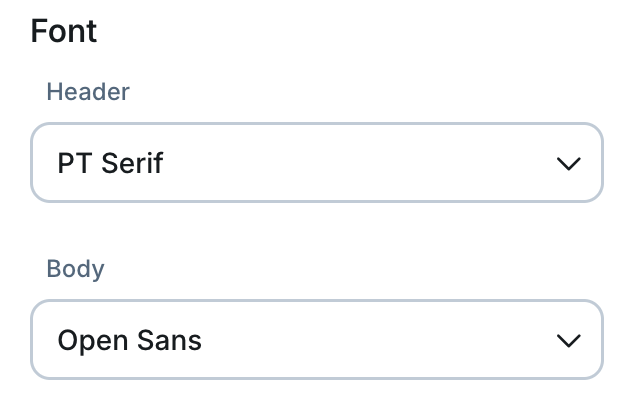
- Header Font is the font for all section headings throughout the resume.
- Body Font is the font for all description text in the resume.
To change the font in your resume:
- Click the Page Style button in the left-side menu. This will open the Page Style menu in a panel on the right side of the window

- Inside the Page Style menu, select a font from the Header Font or Body Font menu.
Your resume will be updated with the new font.