
Changing your resume template
You can change your resume design at any time. Your resume content will not be lost. To customize your resume template:
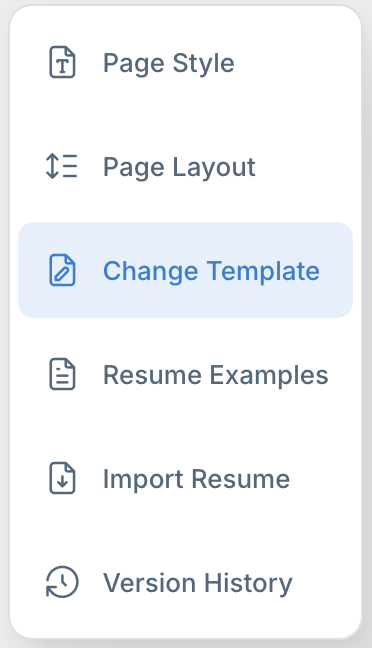
1. In the resume editor, click Change Template in the left side menu. This will open a template selection menu in the right side panel.
2. Select a template from the template picker by clicking on it.
- Click Select.
This template will now be used to display your resume.